Voice edit


Style
SpeakON detects which app you're writing into and adjusts your tone to match.


15%OFF

Buy SpeakON Get unlimited voice typing. One-time payment. Pro Plan Included.
Features:
Quantity

In Stock - Ships in 2-3 business days

Buy SpeakON Device enjoy Pro Lifetime.

Free Shipping

30-Day Return

12-Month Warranty

Lifetime Support


Agent understands the people, timing, context, and different Actions inside one natural request.
 Today · 18:30
 Source note


 Marketing · Add him to the invite
 Calendar availability
 CalendarReadyWith Daniel · Marketing
SlackDraft
GmailDraftTo Daniel
ReminderDraft
CalendarReadyWith Daniel · Marketing
SlackDraft
GmailDraftTo Daniel
ReminderDraft Email ready for your review
Gmail DraftDaniel · Marketing
Schedule Product discussion
Email ready for your review
Gmail DraftDaniel · Marketing
Schedule Product discussion Notify #productteam on Slack
Email Daniel and add him to the invite
Remind me to review the product brief
Google CalendarDaniel · Marketing
Slack
GmailDaniel· Marketing
Reminders
Notify #productteam on Slack
Email Daniel and add him to the invite
Remind me to review the product brief
Google CalendarDaniel · Marketing
Slack
GmailDaniel· Marketing
Reminders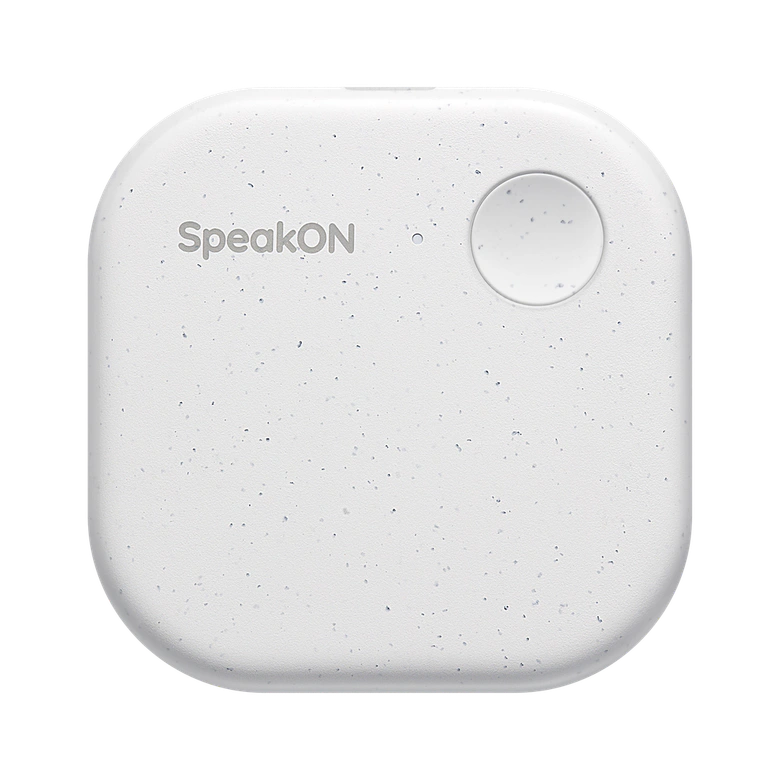

It knows what you mean.
And how it should sound.
Style
SpeakON detects which app you're writing into and adjusts your tone to match.
Notes
Capture the thought before it disappears. Speak it, save it, then edit it by voice.

Style
SpeakON detects which app you're writing into and adjusts your tone to match.

Notes
Capture the thought before it disappears. Speak it, save it, then edit it by voice.


SpeakON hasn’t just made voice input faster—it’s transformed the way I communicate, capture ideas, and create content.


SpeakON lets me capture, organize, and use my ideas wherever inspiration strikes—without stopping to type.


SpeakON turns my thoughts into clear, ready-to-use text wherever I am—so I can keep creating without stopping to type.


For a designer and content creator, SpeakON keeps up with fast-moving ideas — capturing content concepts, reminders, and random thoughts without breaking focus.


Instead of typing a long message, Woodley speaks naturally and uses Attune to shape it into clean text that sounds right for the conversation.


From mid-edit to on the move, SpeakON saves ideas before they vanish and turns unstructured speech into clear notes, bullet points, and next steps.


When an idea hits, one press replaces the scramble for a notebook — SpeakON captures it on the spot and turns it into a usable note.


Unlike Siri, which can mishear or leave you with rough dictation, SpeakON turns natural speech into a clean, structured note you can use instantly.


SpeakON turns messy thoughts into polished texts anywhere I’m typing — even with my newborn in one arm, I can reply faster with one hand and stay in the flow.


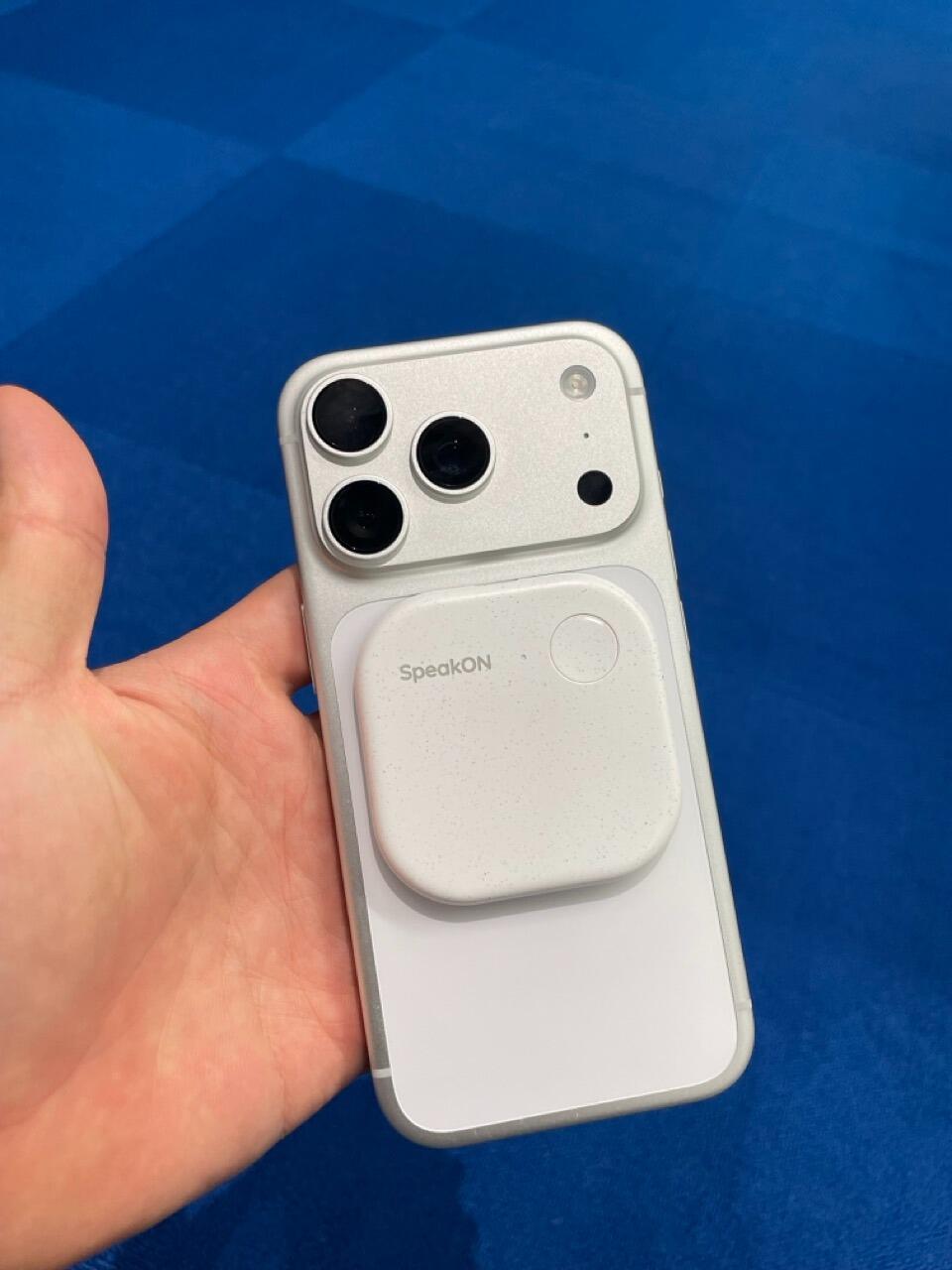
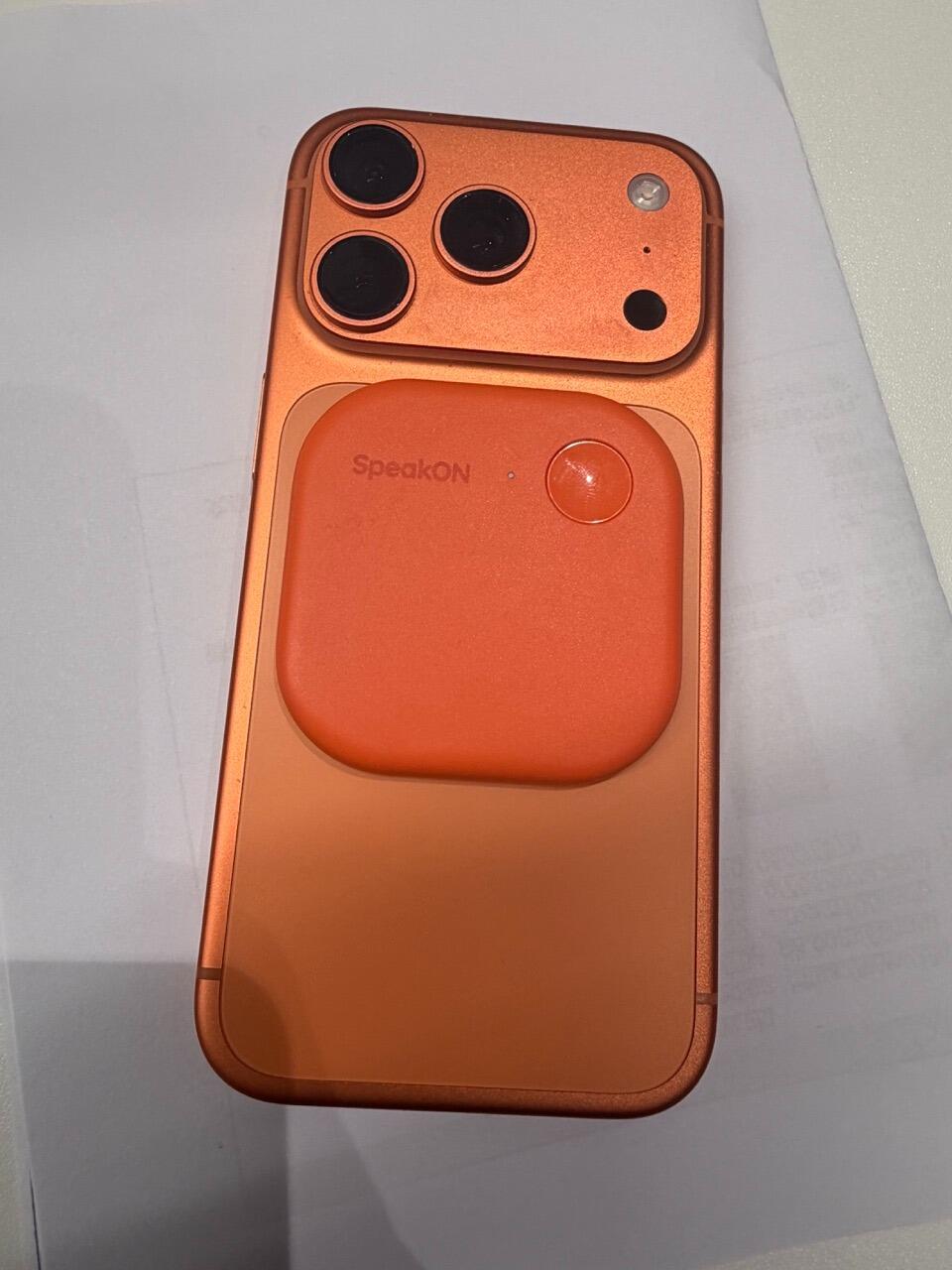
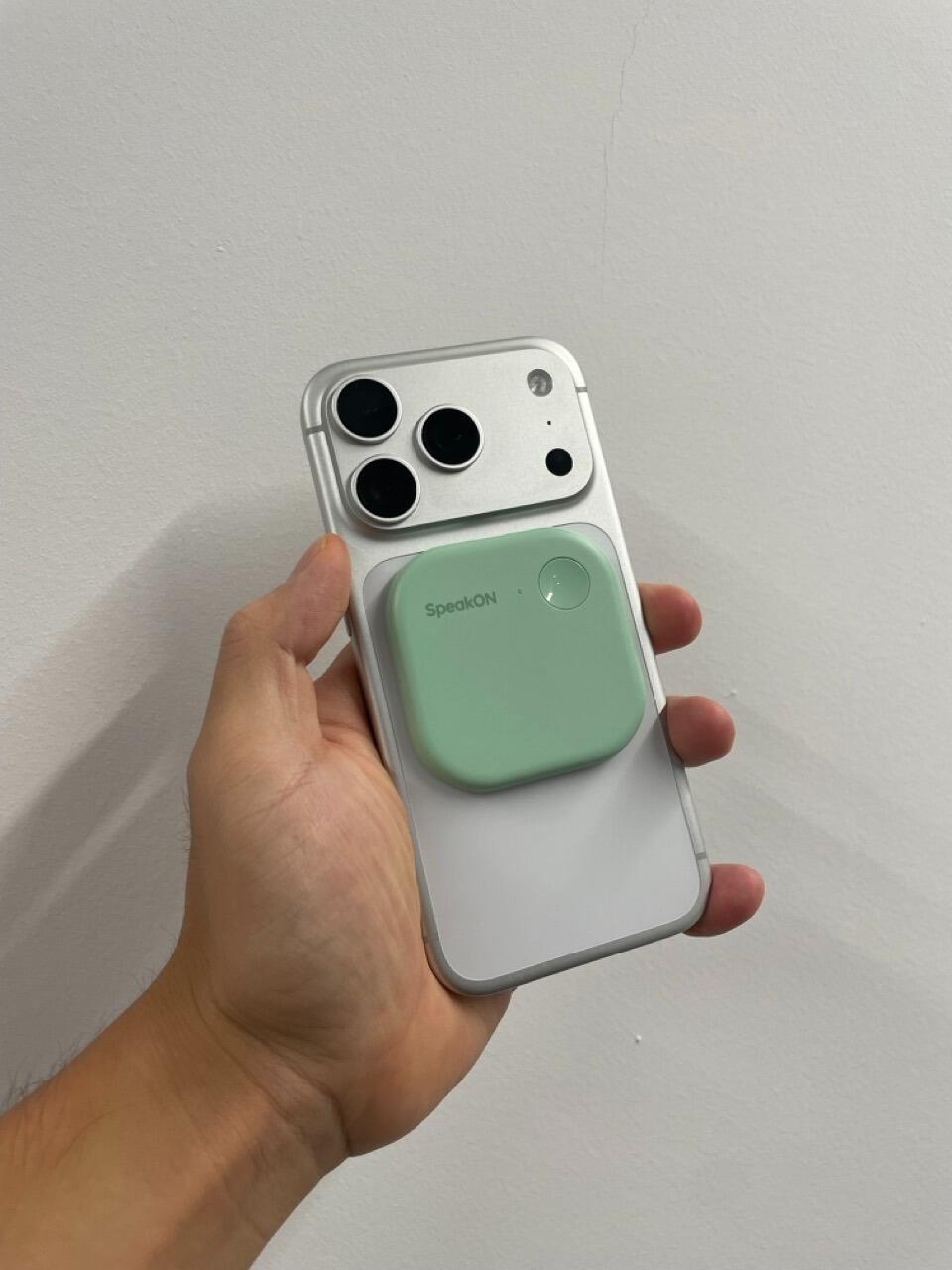
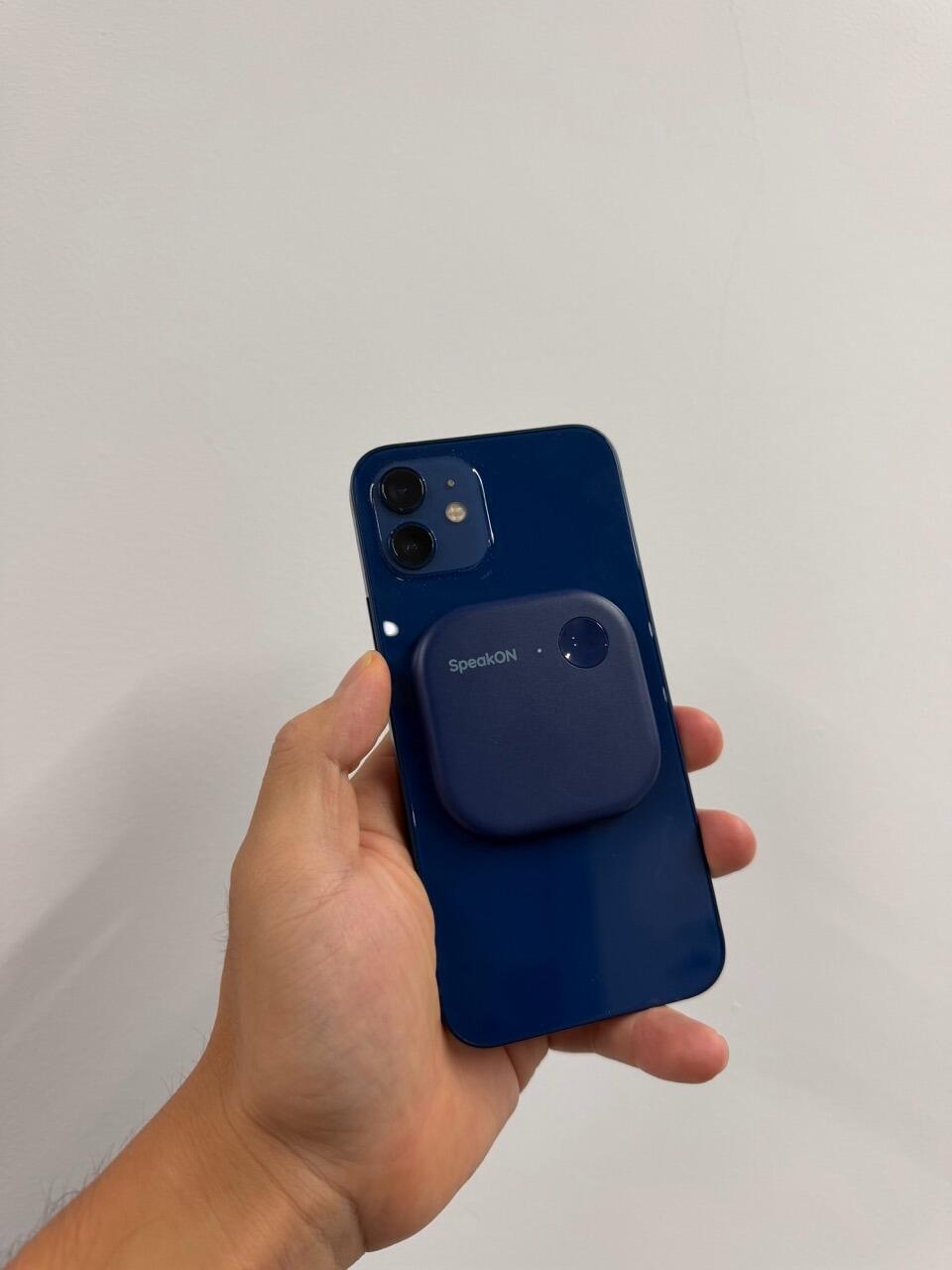
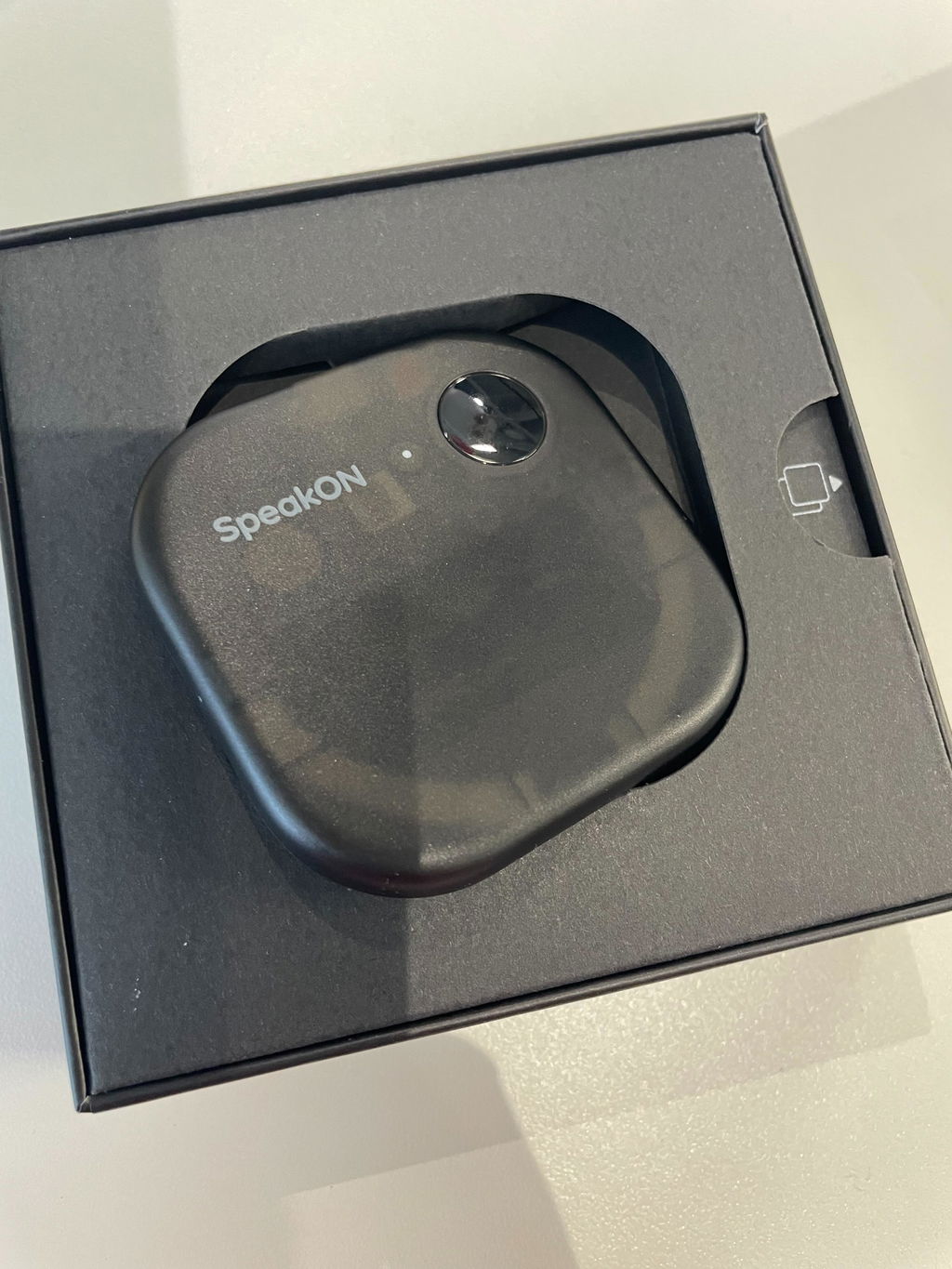
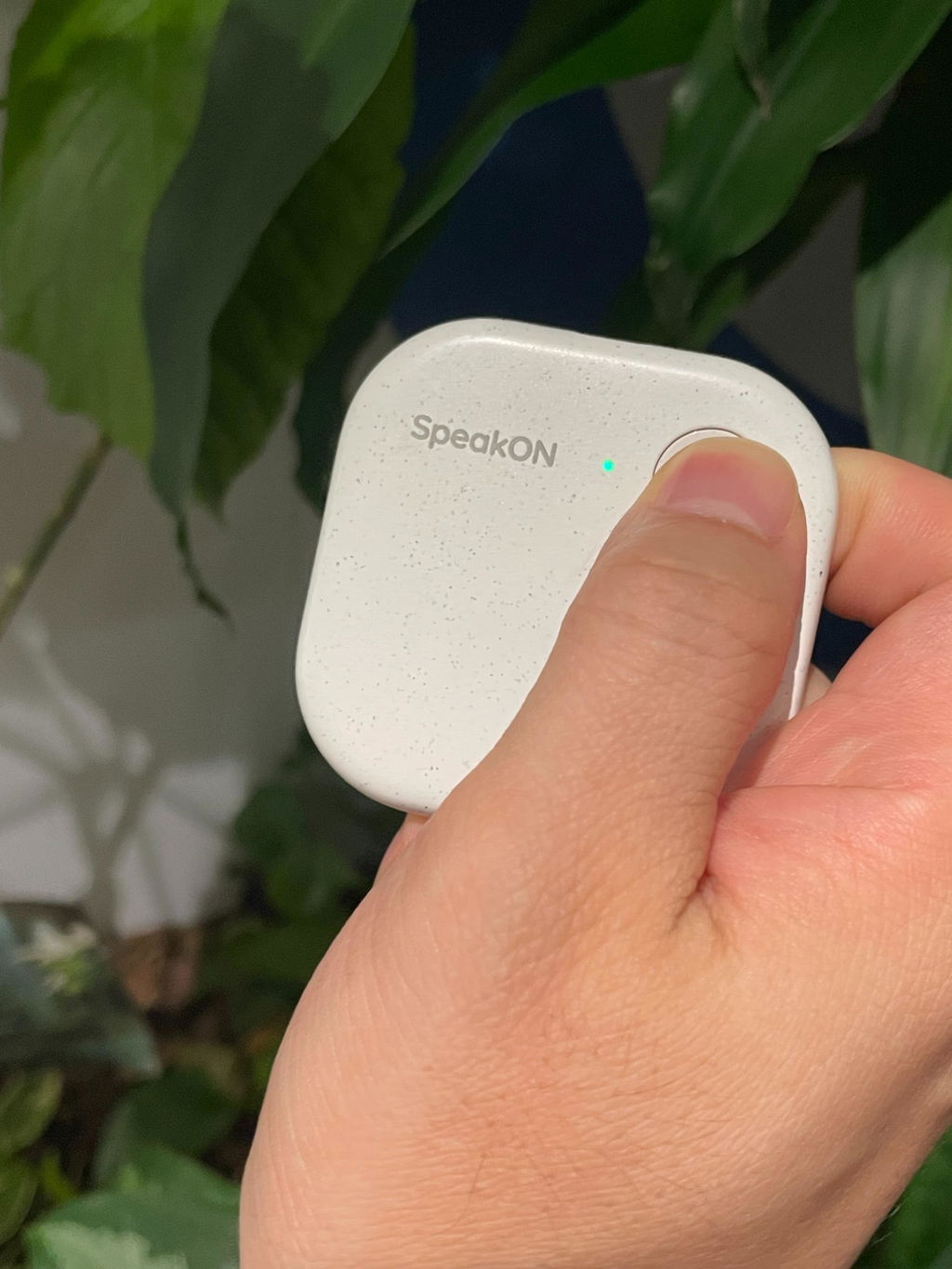
A MagSafe button that turns your voice into polished text — straight into whatever app you're already in. No switching, no copy-paste, no typing.


Smart people don't type anymore — ideas flow better when you talk. SpeakON is the reason I made the switch.


By the time you open your phone and start typing, the thought is already gone. SpeakON fixes that.


As a lawyer, mom of three, and content creator — anything that saves mental energy is a yes for me. SpeakON is exactly that.


You don't need to switch back and forth between apps in order to activate it... you just do one press, you speak, and you're pretty much done.


SpeakON — a powerful voice-first tool that turns your thoughts into clear, structured text instantly.


SpeakON captures your ideas and turns them into polished text with one click—without interrupting your workflow. Always ready, no app needed.


Sometimes it's not about how you capture a thought. It's about not losing it in the first place.


Press a button, speak naturally, and SpeakON drops polished text directly into whatever app you're using. It even adapts the tone for you.


SpeakON captures ideas fast: press and speak for perfect text, bullets, and real-time translation. It even works offline and syncs later. No more typing.


SpeakON snaps onto your iPhone to simplify your workflow. It fixes mistakes and auto-adjusts tone from formal to casual. Focus on the message, not the typing.


SpeakON: A physical shortcut for your brain. Press, speak, and AI types polished text in any app. This "invisible UI" removes friction from daily talking.


Capture ideas without the annoyance of typing. Press a button to turn speech into clean, structured text in any app. You'll wonder how you lived without it.


SpeakON lets you turn thoughts into polished text with one physical button. No typing, switching, or pasting—just direct input into any app. Try it to keep up.


“No typing the same repetitive messages over and over. Just speak your idea and keep moving. ”


“The SpeakON Agent takes natural voice commands and turns spoken thoughts into actual tasks, clean notes, and instant actions across your apps. ”

Go unlimited with Pro Plan


Dimensions
Weight
Battery Capacity
Charging Time
Capture Range
Storage
Continuous Input
Every 'AI pin' or voice wearable I've tried has been overengineered garbage. SpeakON nailed the simplicity. It's a button. It does one thing and does it perfectly. The haptic feedback is satisfying, the magnetic mount is secure, and the audio processing is magic. Less is more.
When you do the math—$129 for the hardware plus lifetime Pro features vs $240+/year for Otter or $180/year for Grammarly—this is a steal. And it does both transcription AND formatting AND translation. Best bang for buck in productivity tech right now.
I manage a fully remote team across 4 time zones. SpeakON lets me dictate async updates into Slack while making breakfast. The auto-format catches my rambling and turns it into structured bullet points. My team actually reads my messages now.
I take the subway to work and always get my best ideas in dead zones. With Notes, I just hit the physical button, brain dump, and the second I walk above ground, it syncs a perfectly formatted list to my phone. Never losing an idea again.
Out of the box, Smart Polish was a little too aggressive and scrubbed some pauses I actually wanted for pacing. Easy fix in the settings though. The dedicated mic is stellar; picks up my voice clearly even in a loud Starbucks.
Took me a hot minute to get used to toggling between this and the native iOS keyboard. Once I read the Help Center, it clicked. The offline capture is pure magic��I dictate ideas in subway dead zones and it syncs flawlessly when I emerge.
The UPS guy definitely threw this over my fence, so the outer box was a bit crushed. Thankfully the SpeakON device is sturdy and was perfectly fine. I love not having to unlock my phone to capture a thought. The Action Key is legit.
I practically live in my car between client meetings. Since SpeakON has its own mic, it doesn't hijack my Apple CarPlay or kill my GPS. I just hit the button, brain-dump my CRM notes, and keep driving.
I was super skeptical that another Bluetooth gadget would drain my iPhone battery. Turns out it has its own battery that lasts for days! The MagSafe snap is super secure too. Feels like it's just part of the phone.
I accidentally dropped it on the concrete sidewalk. It is functionally works perfectly. Built like a little tank.
It's genuinely reached a point where if my phone is unlocked, I'm annoyed if I have to type. Voice-first is definitely the future of mobile OS.
At first I wanted to return it, but after speaking with customer care, I kept it, and now I cannot live without it. I highly recommend it, and the company—I cannot say enough about them. They are unbelievable!
I switched to the SpeakON keyboard and dictated a delivery update inside the retailer app. Auto Format cleaned up the message well, but I would prefer fewer steps when moving between apps.
My sales update included too much background for a busy group chat. Concise Style kept the account change and next step while making the message short enough to scan.
I had saved a quick note about changing a sauce but could not remember when I recorded it. Notes Search found the entry by its wording, so I had the adjustment in front of me while cooking.
After pickup, I spoke several dates and supplies into a note before they slipped my mind. Auto Format organized the loose thoughts into a checklist I could review with the calendar open.
I used Auto Format on my iPhone to clean up a long household update before sending it. The result was easy to read, though I would love an Android option so my partner could use the same workflow.
A guest asked for a check-in detail while I was inside the booking app. Translation placed my spoken answer in Japanese in the message field, leaving me only a final review before sending.
An outline occurred to me before takeoff, after I had already put my iPhone in Airplane Mode. The button saved my voice, and the note appeared for editing after Bluetooth and internet were available again.
While writing a birthday reply on the Text Keyboard, I said the emoji name instead of hunting through the emoji panel. Voice Emoji Input placed it with the message, so the note felt finished without breaking my flow.
At curbside pickup, I opened a family chat and used voice input from the SpeakON Text Keyboard while holding the bags. The message came out structured enough to send after one quick read, so I kept the line moving instead of stopping to type.
Before leaving my desk, I used Dictionary for a client name and dictated a short project handoff in the app. The name stayed consistent and the update was easier to finish, although I would like better pickup when the room gets noisy.
My project handoff was accurate but much too long for the team chat. I used Voice Edits to shorten the existing text while keeping the key decisions, then sent the tighter version.
A neighborhood name kept slowing down my property follow-ups. After I added it to Dictionary, I could dictate the location naturally and finish the message without repairing that term again.
You guys and the product are amazing.
With my phone locked, I pressed the button to save a parts reminder and let it sync later. The thought reached Notes as expected, but I would like stronger pickup when the workshop gets loud.
I needed to move an appointment while standing in a long checkout line. Professional Style gave my rough explanation a calmer tone, and I sent the update after a quick read.
Loving my SpeakOn so far.
Before a courier arrived, I dictated a scattered list of items and quantities. Auto Format turned it into a clean checklist that was much easier to verify at the packing table.
I just got my SpeakOn today and this will be a huge game changer because I am an attorney and I do a lot of work on my Mac.
FAQs
Because the best ideas often appear in moments when opening an app is already too much friction.
SpeakON’s Voice Button lets you capture your thoughts instantly with one press. No unlocking your phone, no searching for the app, no switching context. It gives you a faster path from thought to saved note, so your ideas are captured before they disappear.
It’s also the better long-term deal. Buy the SpeakON device once for $129 and lifetime Pro access is included, with unlimited voice typing and all features unlocked. You get the hardware and the software in one purchase, and the longer you use SpeakON, the more value you get.
The Voice button gives voice-to-text capture its own physical trigger. Hold it when a thought appears, speak naturally, and SpeakON turns it into clean text you can review, send, or save.
SpeakON is more than a voice-to-text app. It pairs an iPhone app with a physical Voice button, so you can capture quick voice notes without opening an app first.
Yes. Hold the Voice button and speak, even when your iPhone is locked. No unlocking, no opening an app, no losing the thought while you get ready to write.
SpeakON works the moment you press. No opening an app, no switching, no extra steps. Your words arrive polished and in the right place, whatever app you're writing into. It's the only solution where the hardware and software work as one.
No. You can start with the free app in the App Store, or buy the SpeakON device for $129 with Pro Lifetime included.
Your voice data is encrypted, never sold, and not used to train AI models. SpeakON is built with privacy protections including SOC 2 Type II controls and HIPAA-aligned safeguards.
SpeakON works with most iPhone apps that accept text input, including Messages, Notes, Mail, search, documents, and productivity apps.
SpeakON works with any iPhone running iOS 16.0 or above. For the full hardware experience with MagSafe magnetic attachment, iPhone 12 or newer is required.
Features
Buy SpeakON Get unlimited voice typing. One-time payment. Pro Plan Included.
Features:
Quantity
Checkout Securely with


In Stock - Ships in 2-3 business days
Buy SpeakON Device enjoy Pro Lifetime.


Quantity
Checkout Securely with